RevSure Navattic Integration Implementation Guide
This page is part of RevSure’s Comprehensive FAQs, your all-in-one hub for answers on capabilities, data, security, scalability, configurability, and more. Click here to return to the FAQ home.
This page is part of RevSure’s Comprehensive FAQs, your all-in-one hub for answers on capabilities, data, security, scalability, configurability, and more. Click here to return to the FAQ home.


1. Log into the tenant
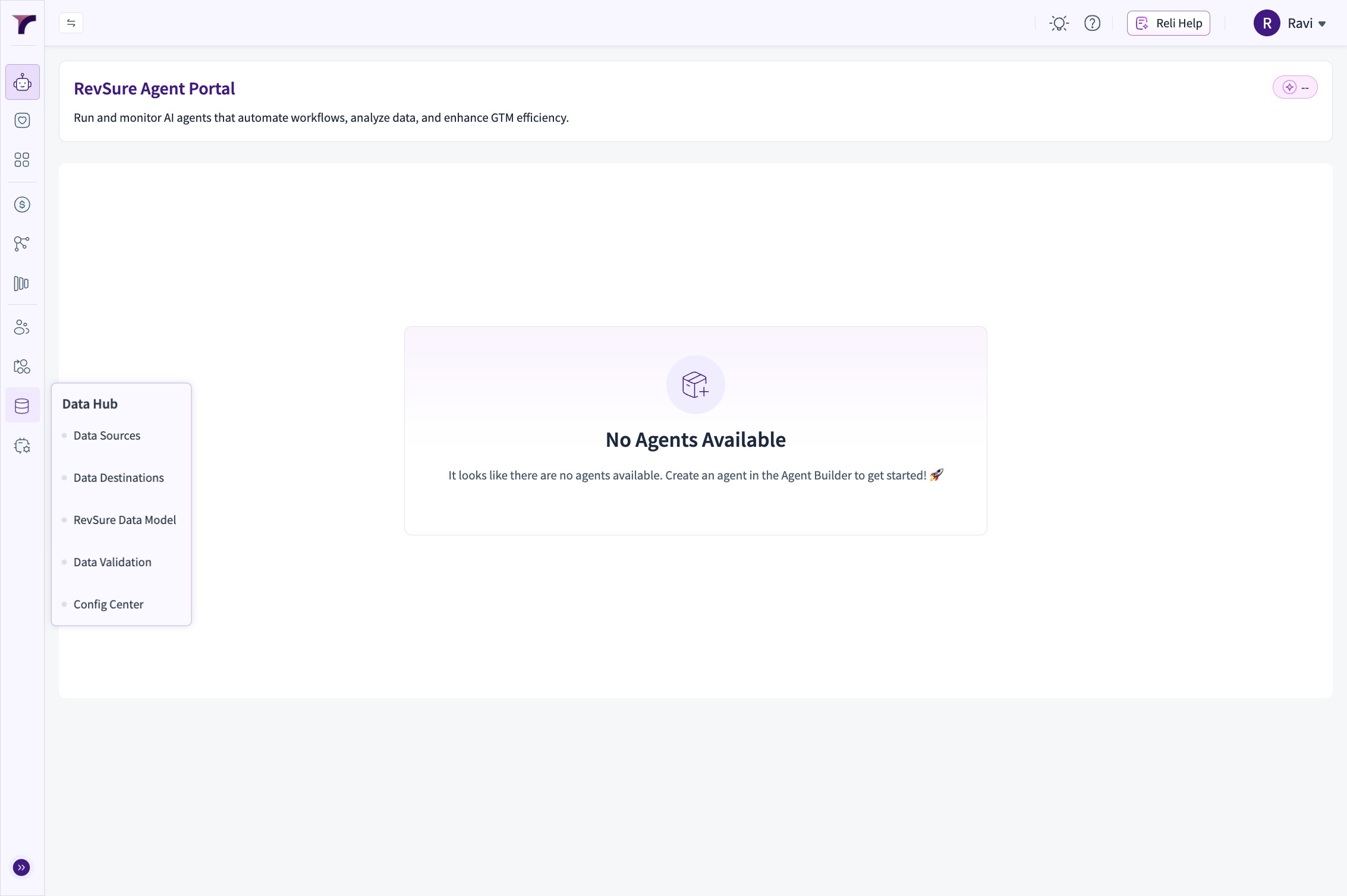
2. Go to Data Hub
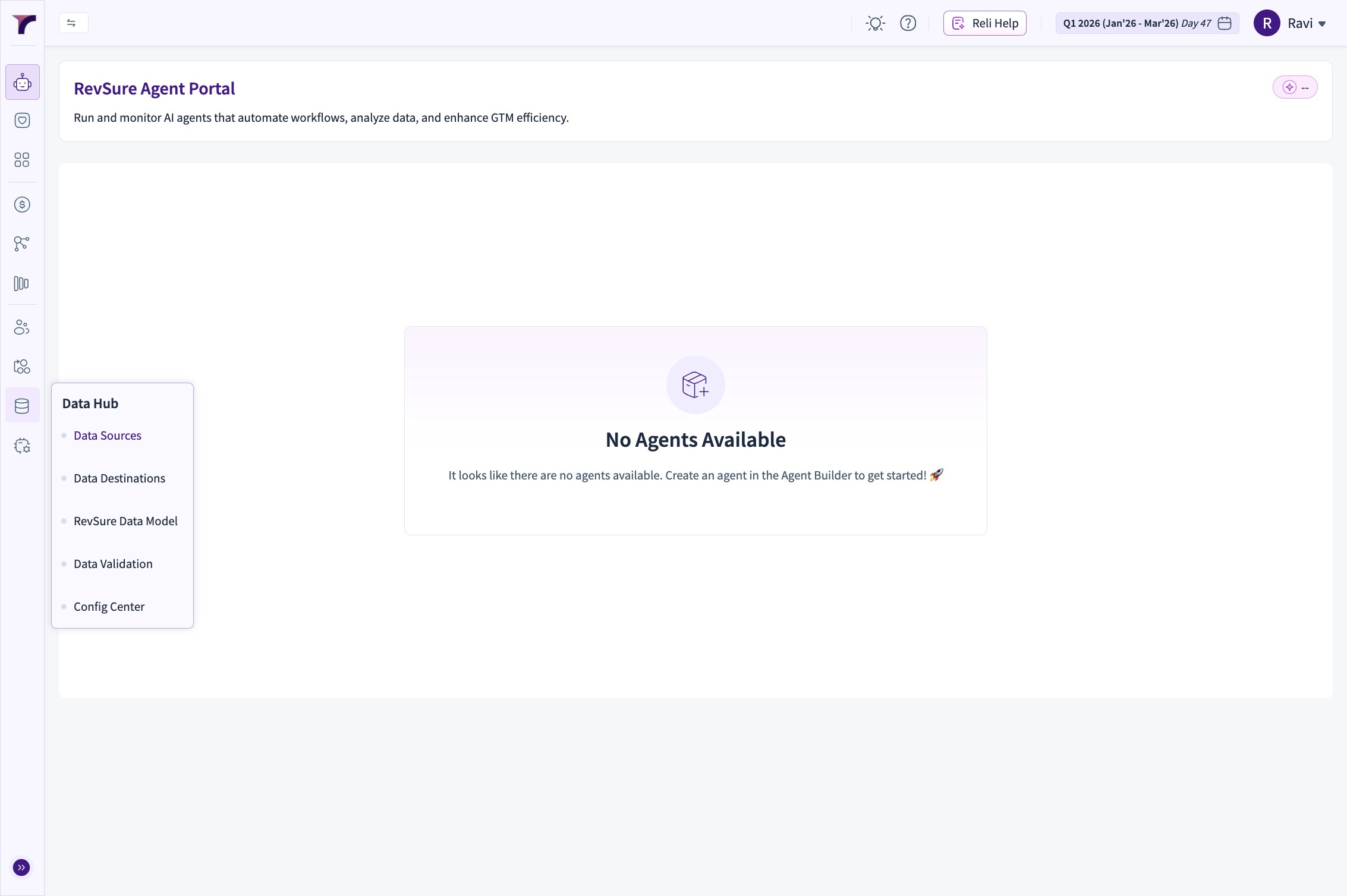
3. Click "Data Sources"
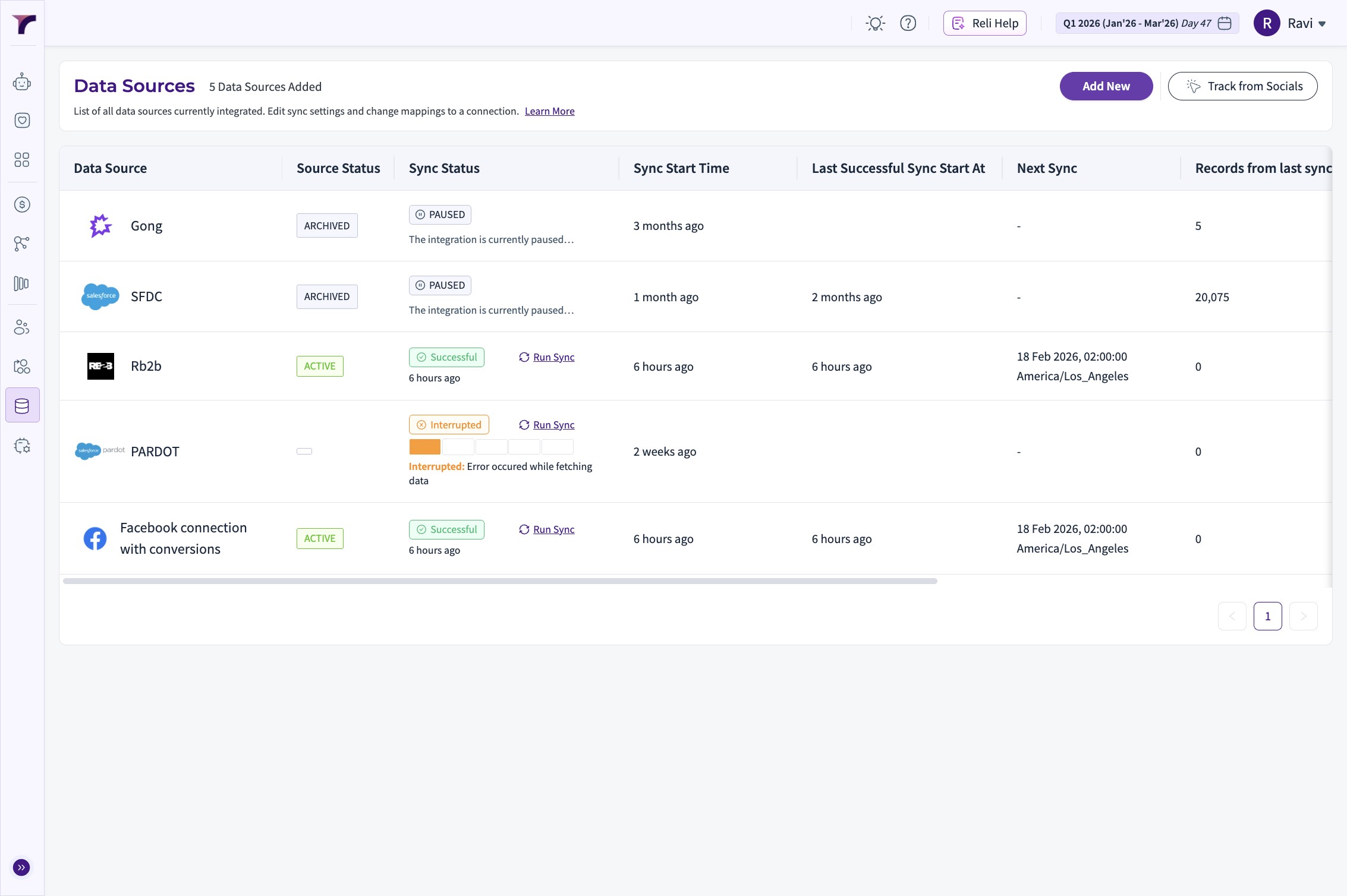
4. Click "Add New"
5. Select Navattic from options
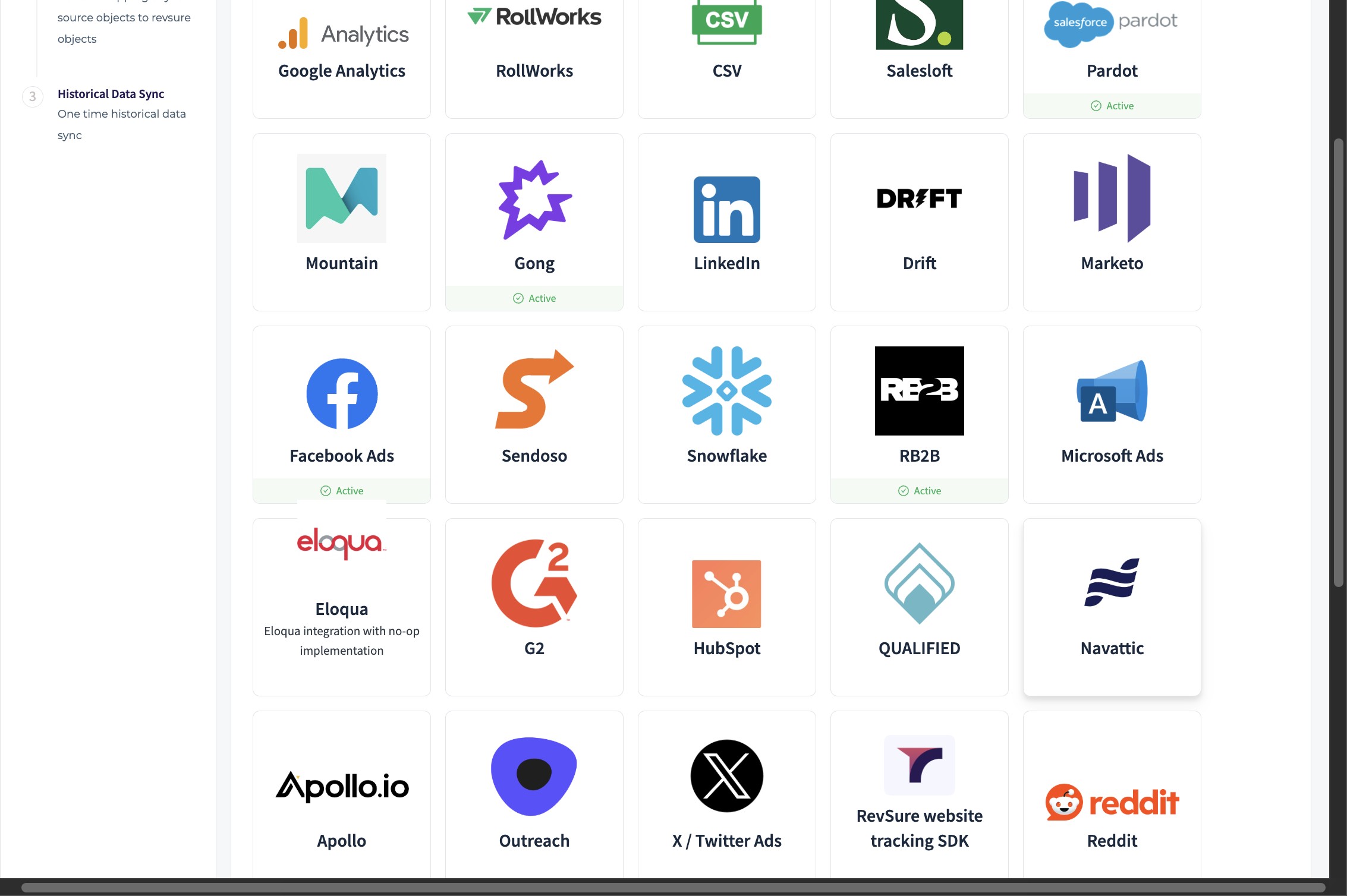
6. Set the "Connection Name" field.
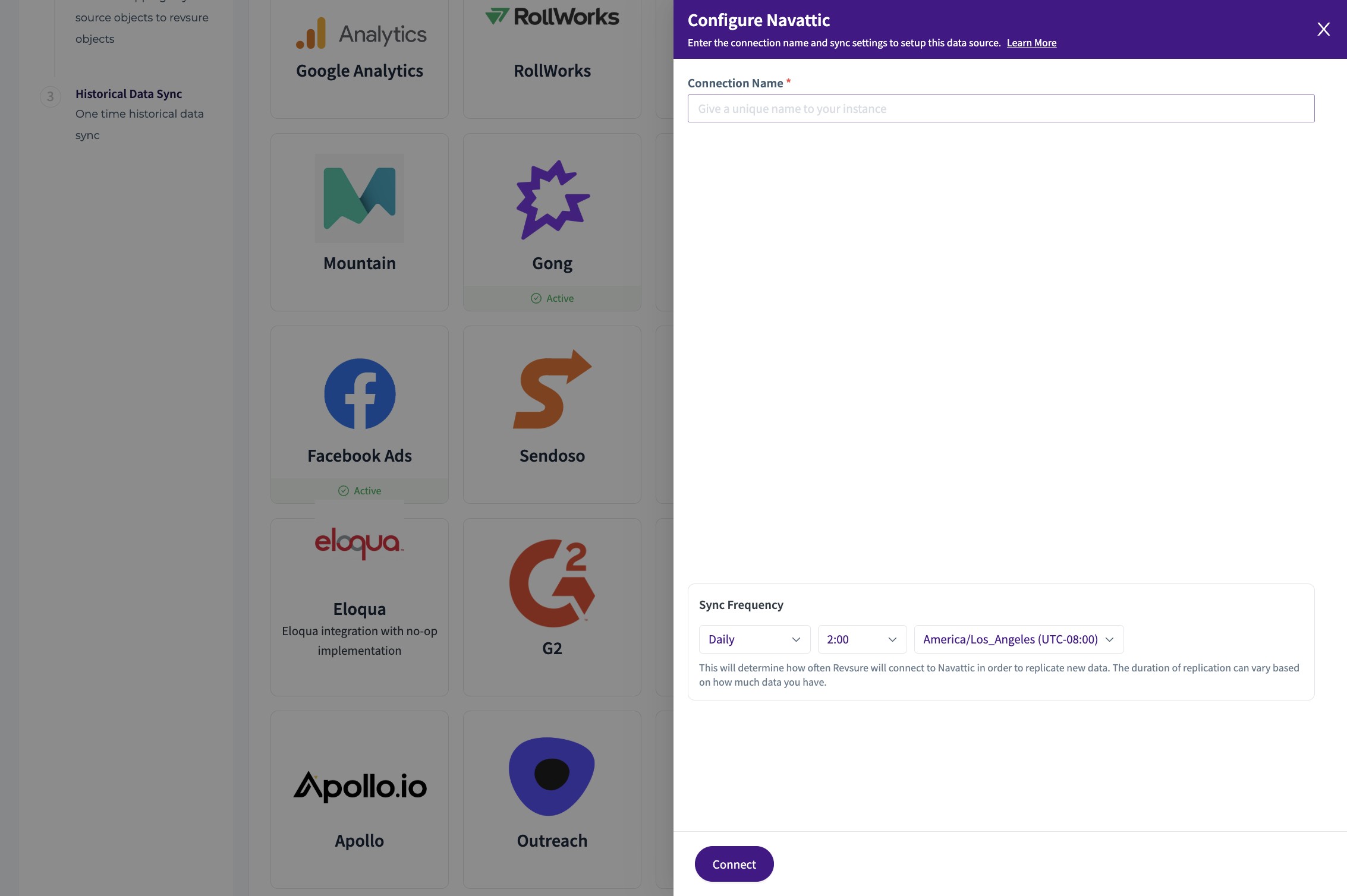
7. Set the schedule for the connection

8. Click "Connect"
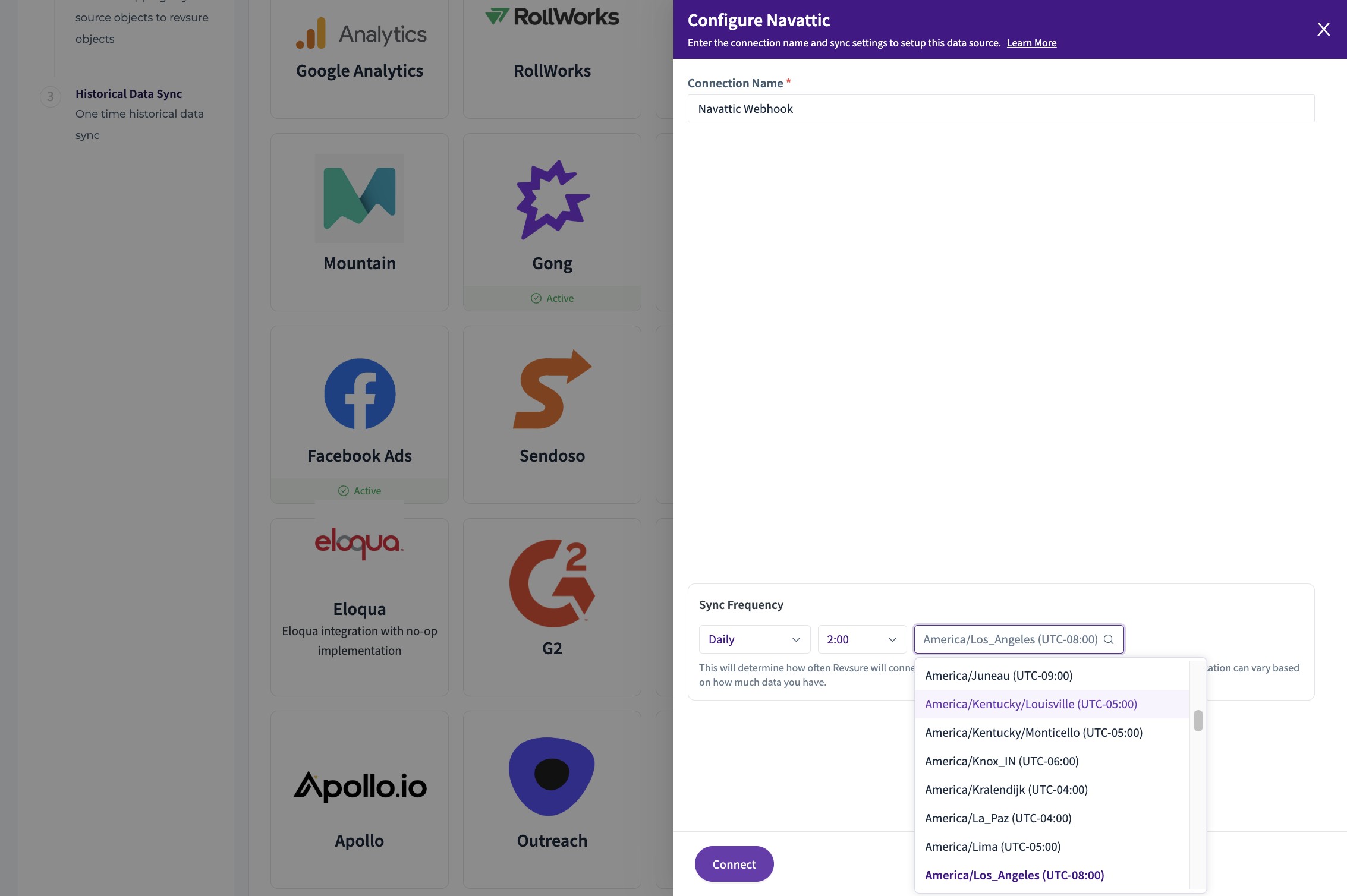
9. Click "Confirm Mapping"
10. Click "CONFIRM"
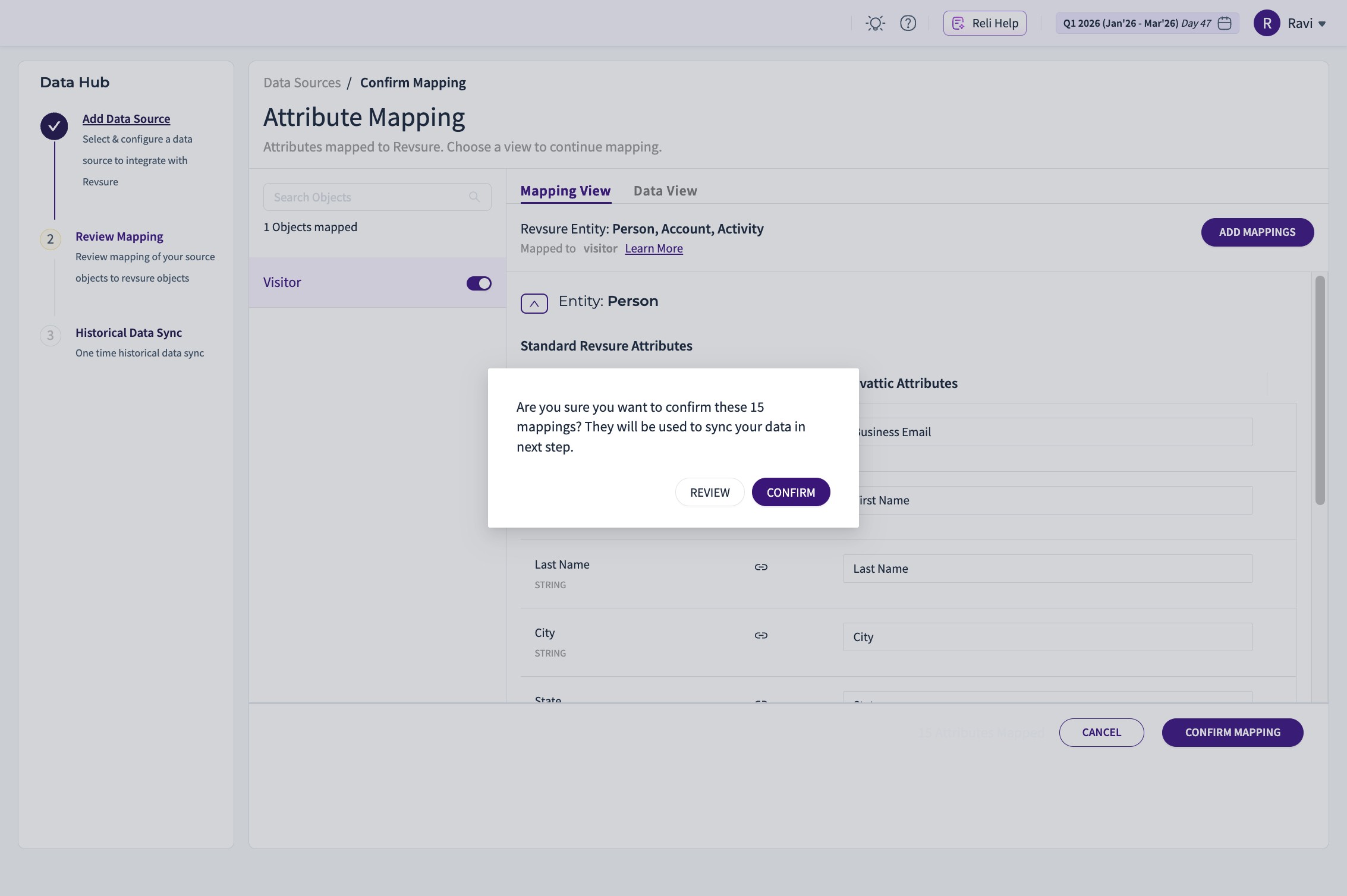
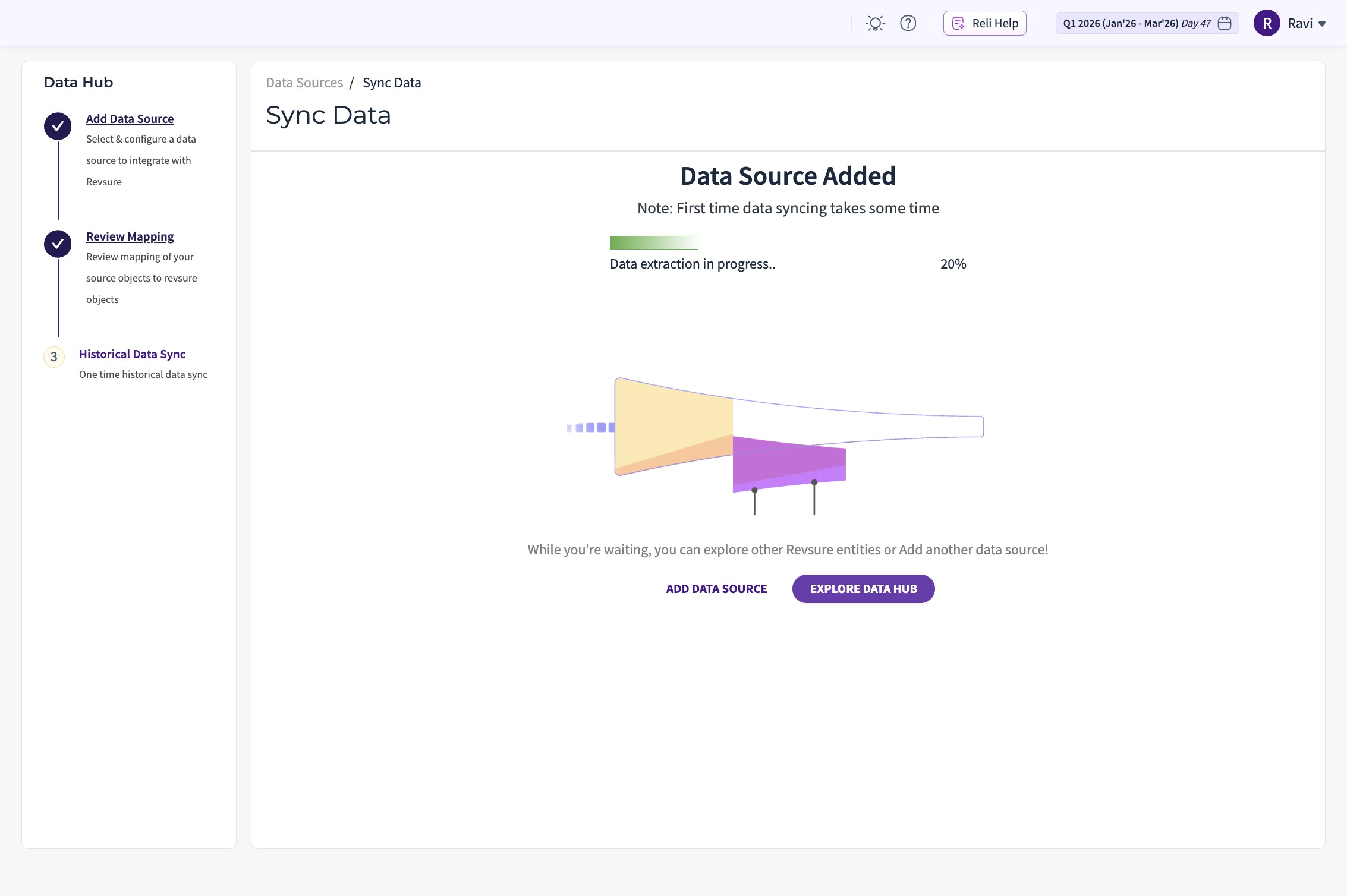
11. Go back to the list of connections, by clicking "EXPLORE DATA HUB"
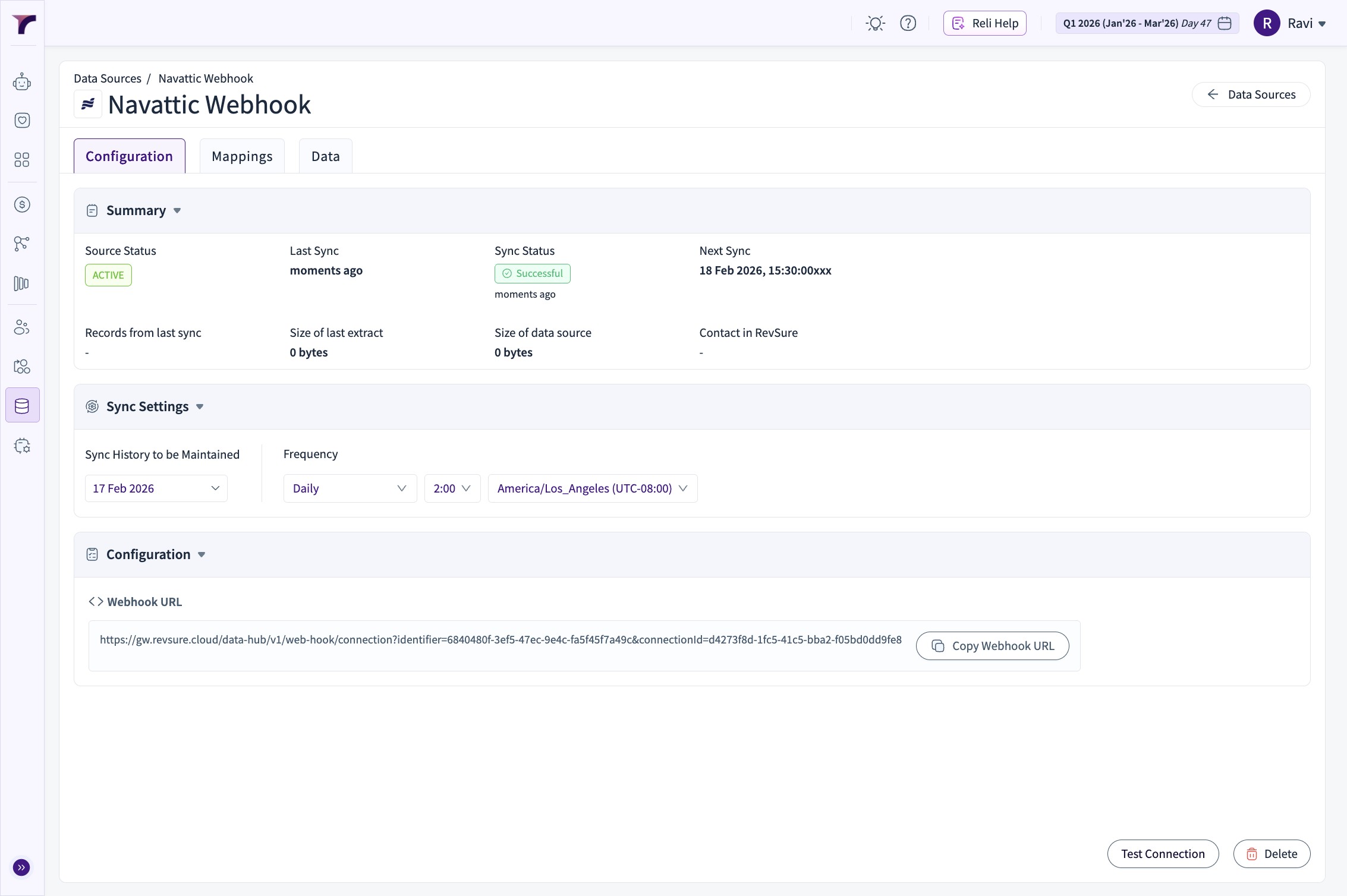
12. Select the connection, just created

13. The Webhook URL is generated and can be set on the Navattic Playbook
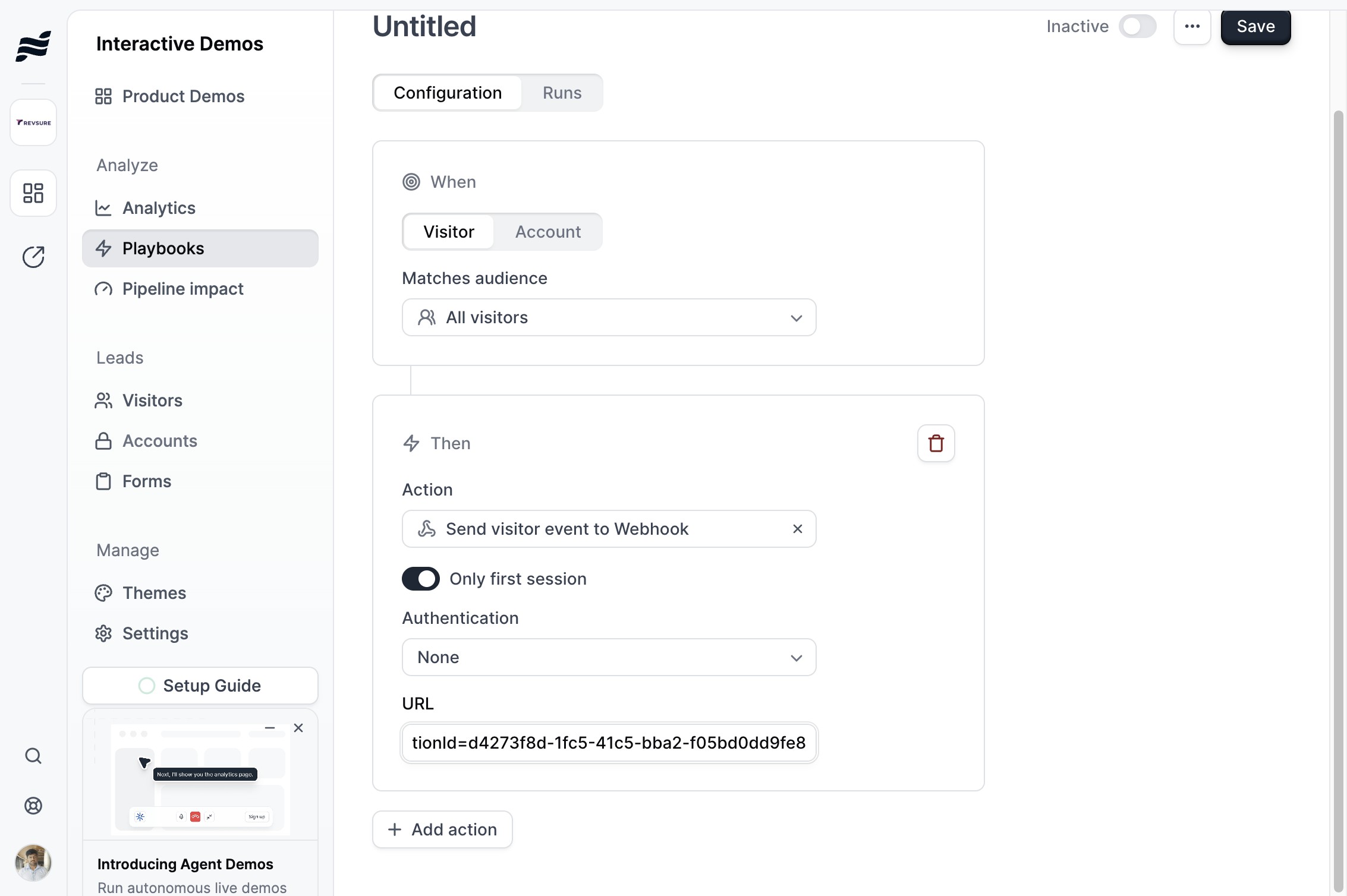
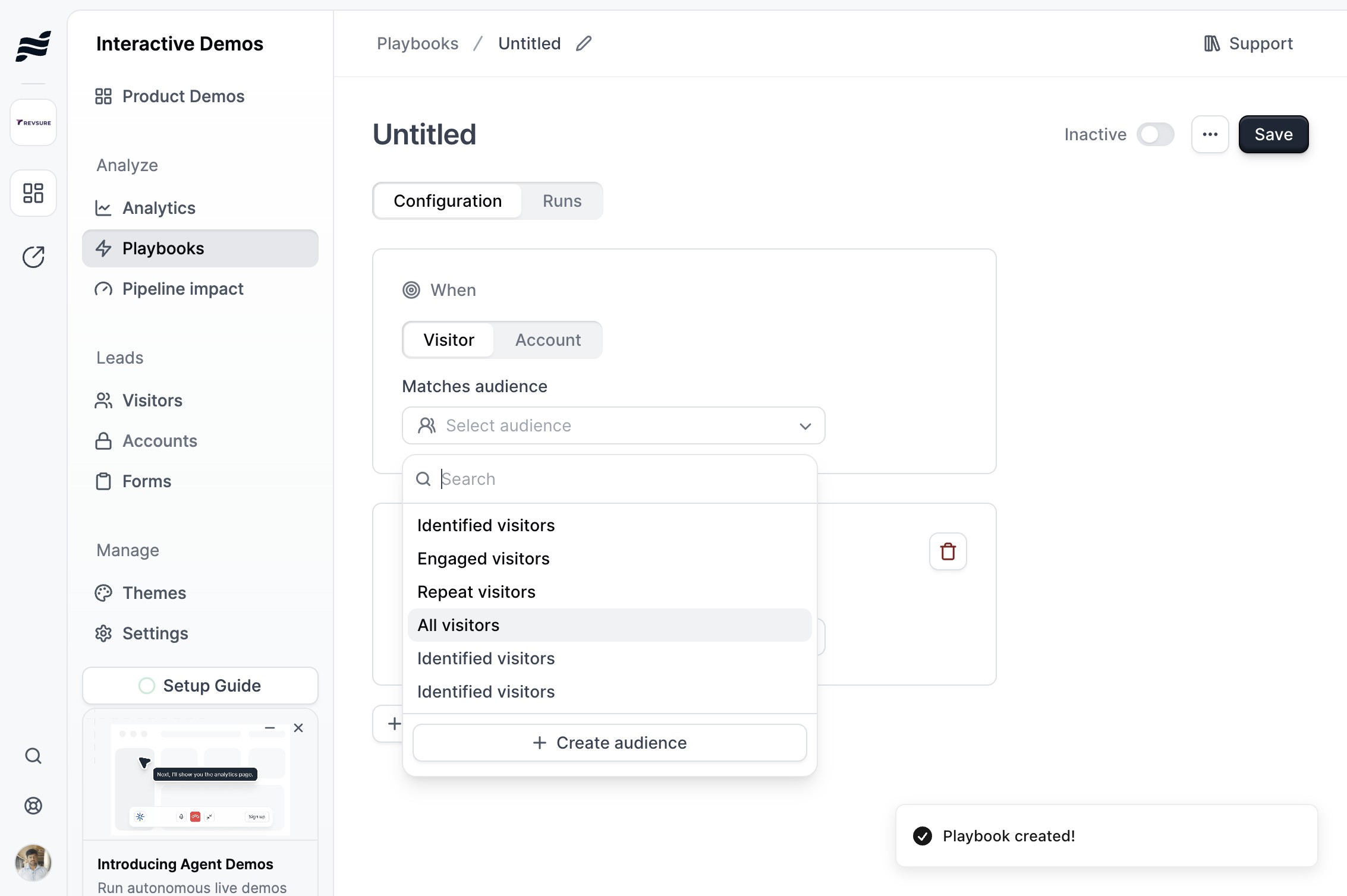
14. On the Navattic Instance, Go to Playbooks and Create Playbook
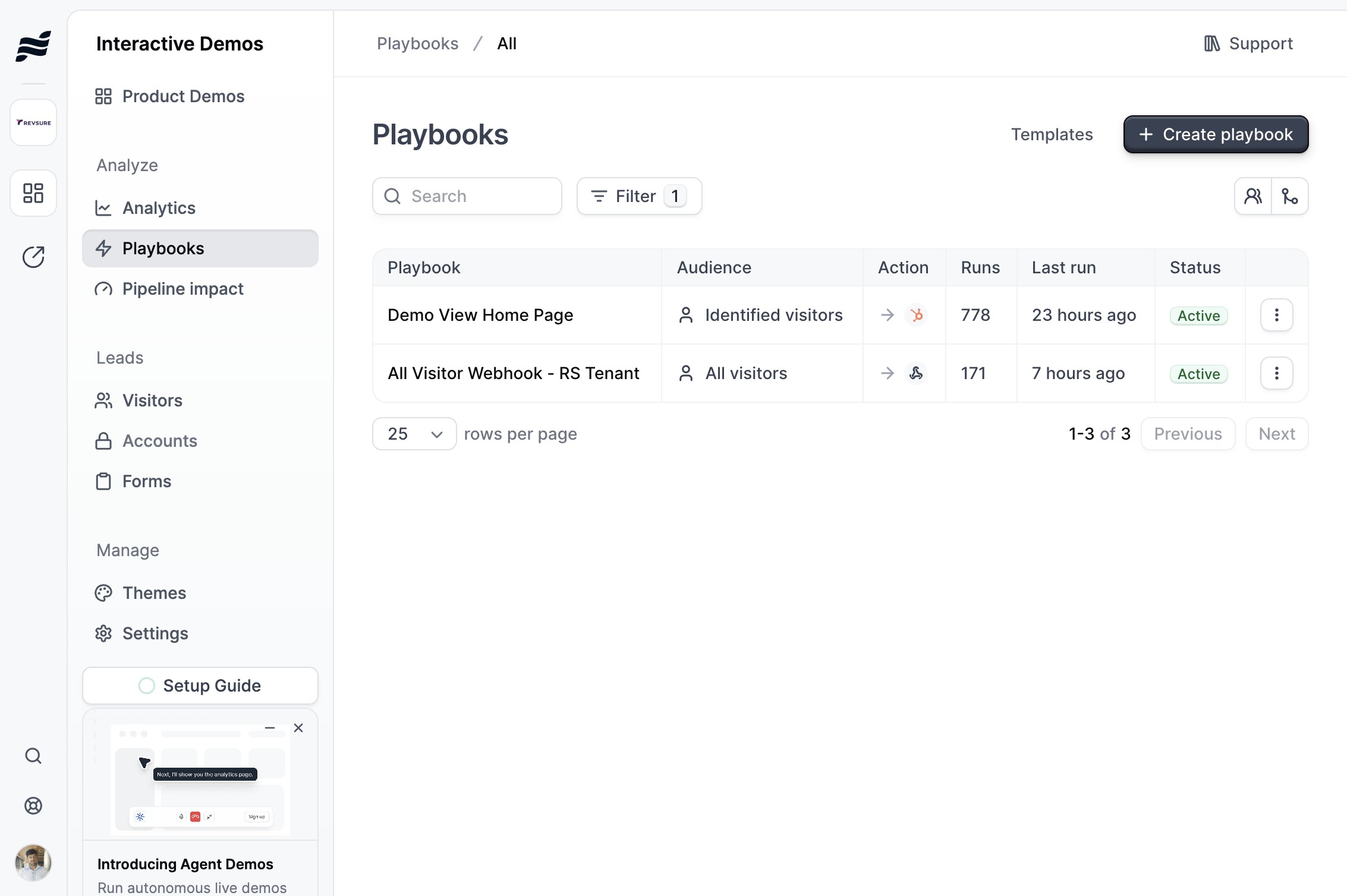
15. Select the right audience filter
16. Under action, Click "Send visitor event to Webhook"
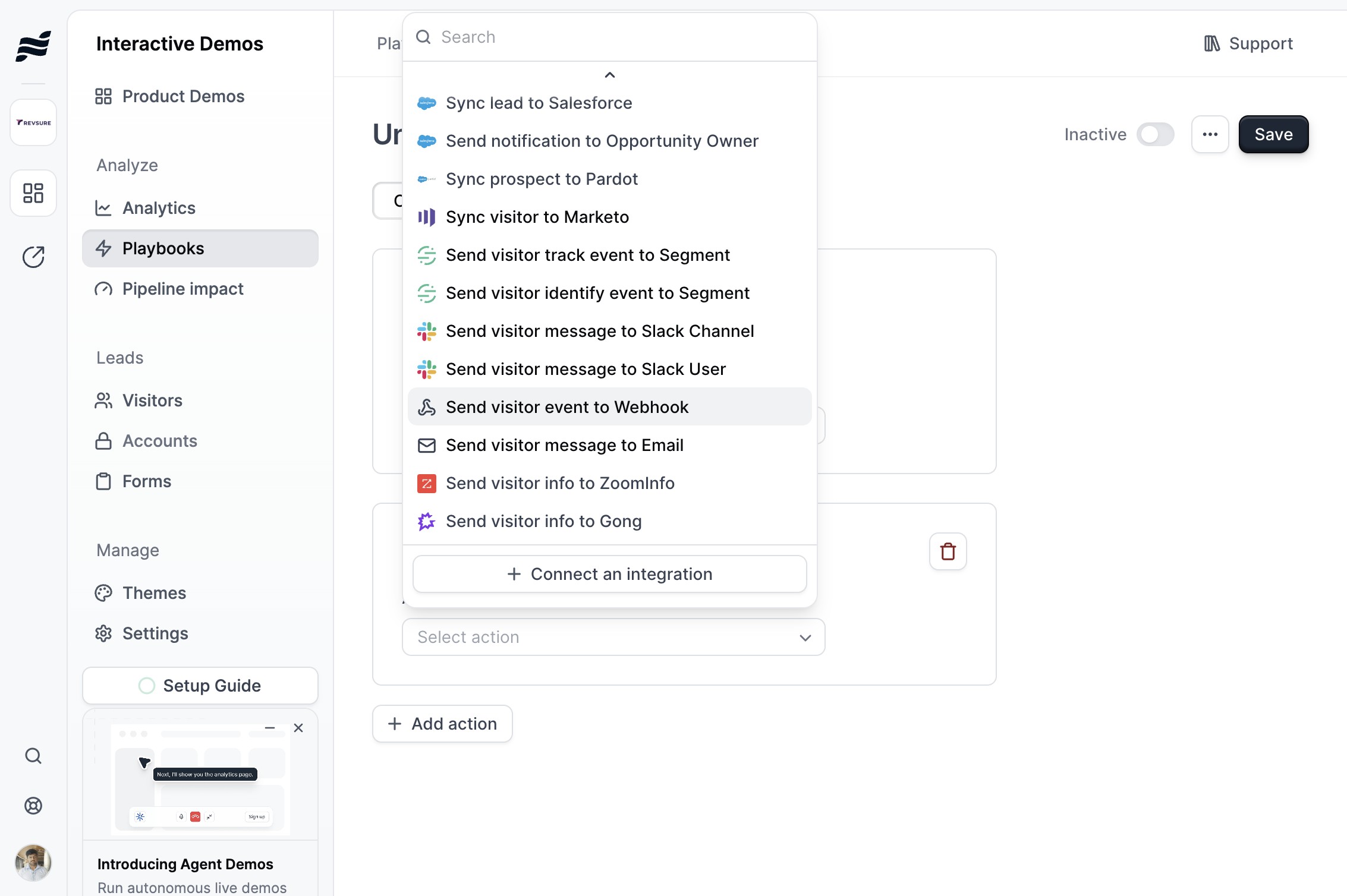
17. Paste the webhook in the URL Field

18. Click Save to complete the Playbook Setup